Products
One app for the whole house. Not one app per vendor.
PapaHome puts lighting, cameras, climate, locks, gates, music and the televisions behind a single sign-in that works from bed or from another country. It runs on a small machine in the house rather than in somebody else's cloud, on your own equipment with the logins in your name, and we keep it running afterwards.
PapaHome has its own site, papahome.tech, where the app runs in the browser and a quote takes two minutes.
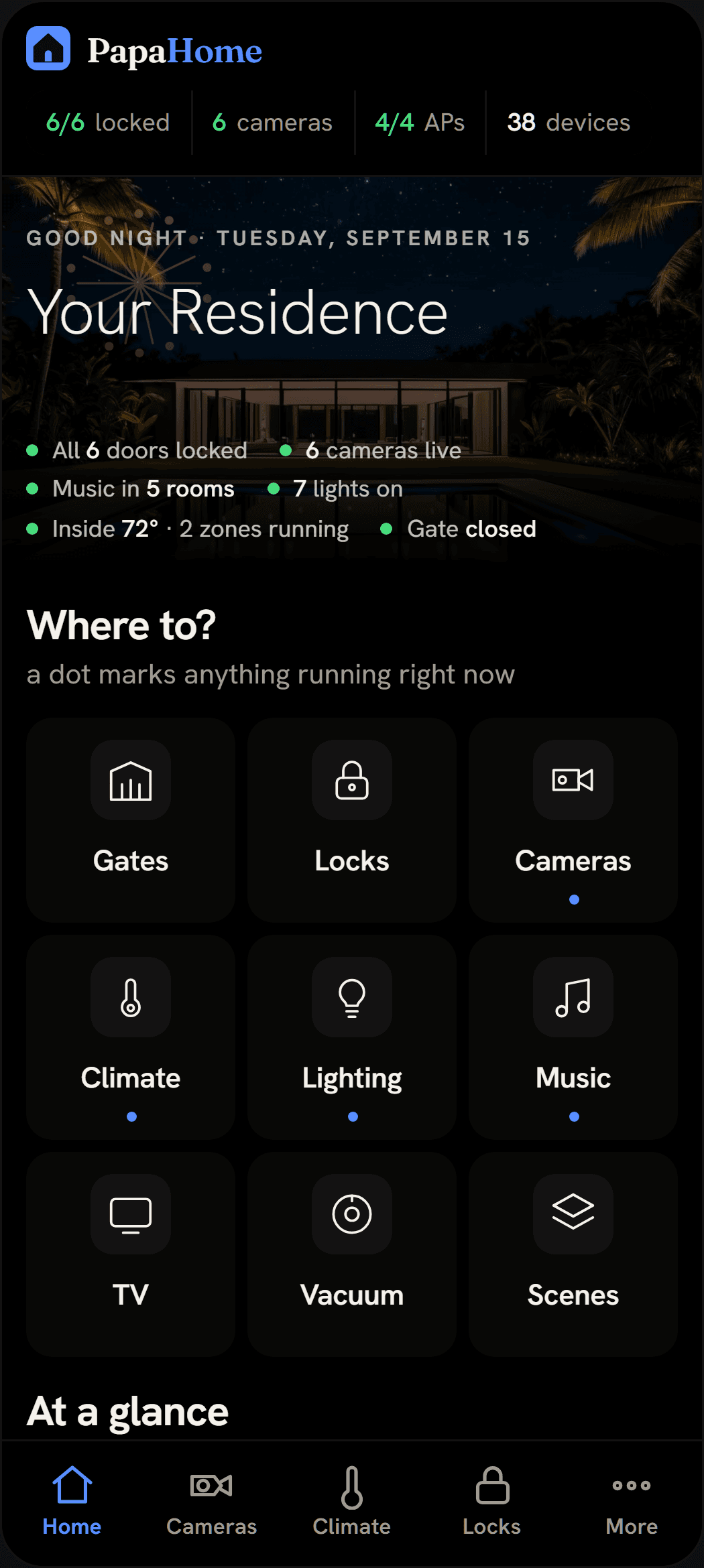
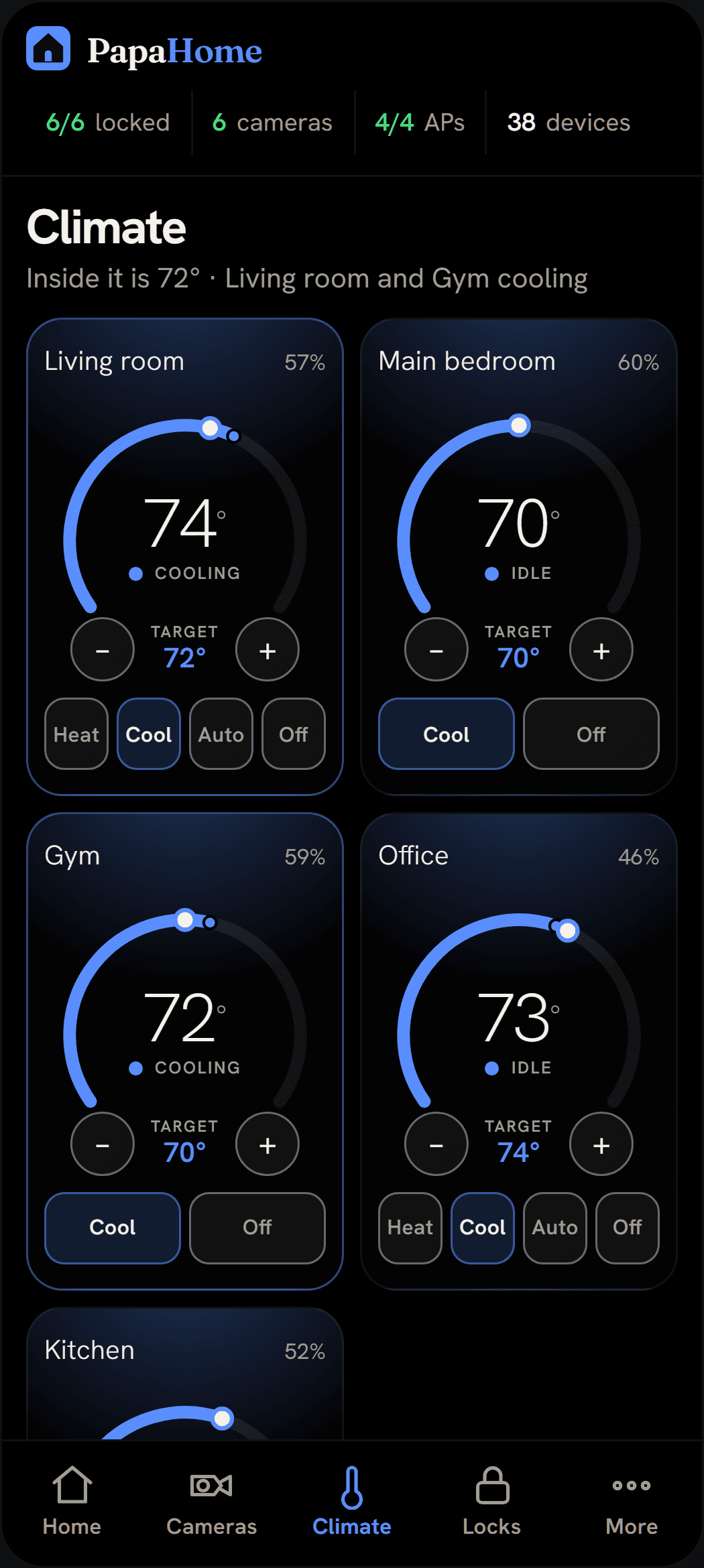
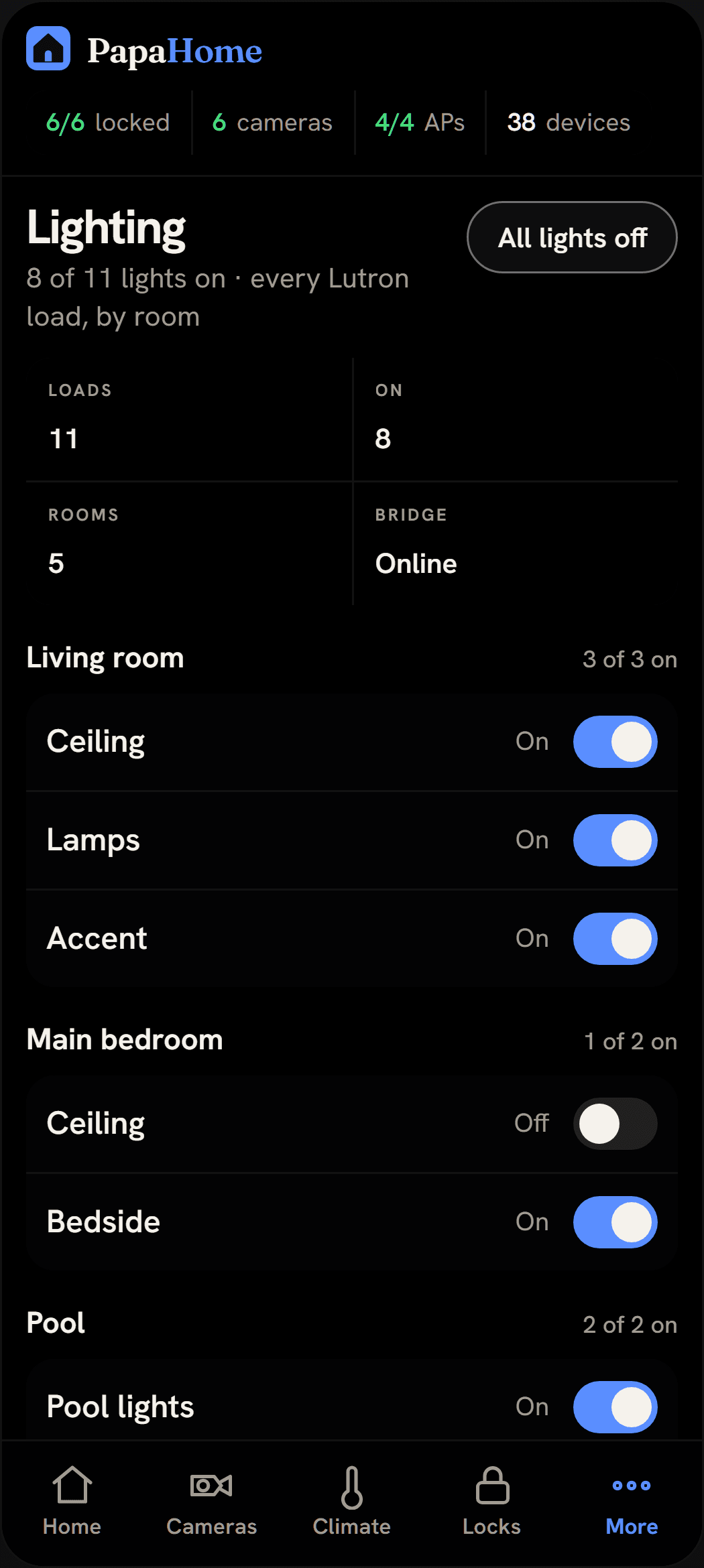
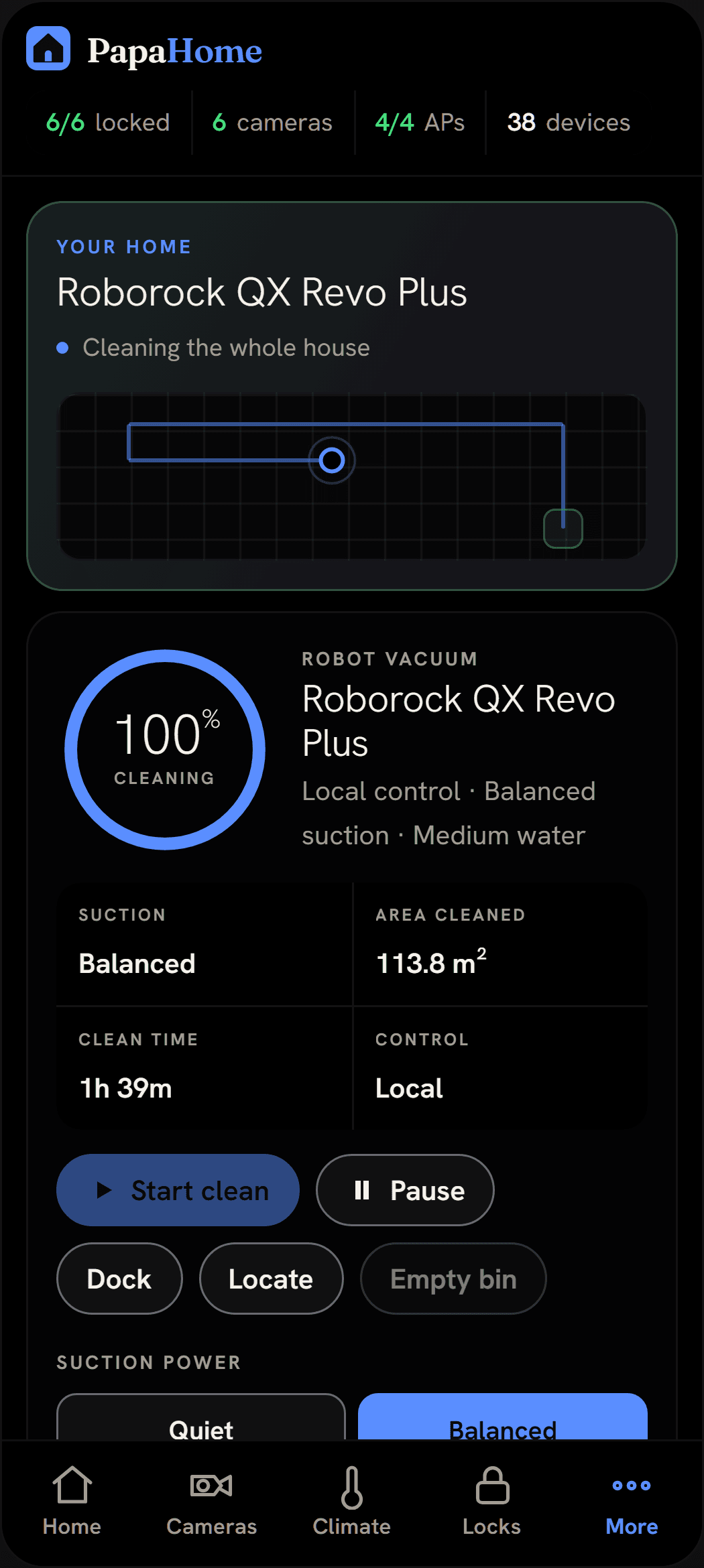
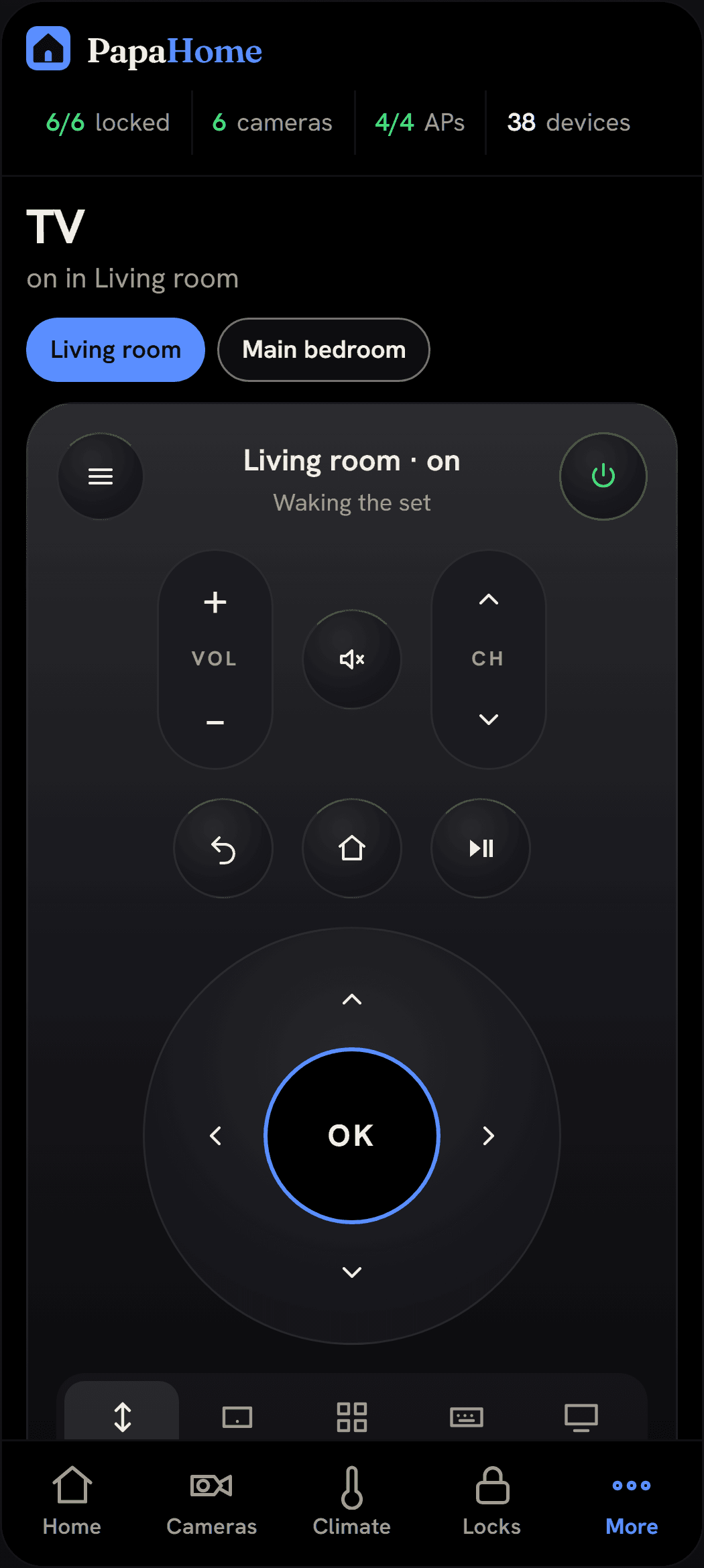
These are the app's own screens, captured from the demo that runs on papahome.tech. The house in them is a sample, not a client's.
- One sign-in
- for every system in the house
- 78 zones
- of lighting mapped across 17 rooms
- 24 cameras
- two separate systems, shown on one wall
- In the house
- on its own equipment, reached privately
- Every system behind one sign-in: lighting, cameras, climate, locks, gates, music, the televisions, and the robot vacuum
- Lighting mapped zone by zone and room by room, so a light is named for the room it is in and not for the slot it occupies on the panel
- Both camera systems on one wall, the cloud cameras and the recorder on site, instead of one app each
- Runs on a small machine in the house and is reached over a private connection, with nothing exposed to the open internet
- The network watched on the same screen: every Wi-Fi access point, anything on the wire that belongs to nobody, and every power cut on record, four of them in the first fourteen days
- Handed over documented, on equipment and logins that are yours, and kept running after the install
Inside the house
Six apps, four remotes and a keypad nobody understood, replaced by one screen.
Lighting
Named for the room, not the channel
A lighting processor knows loads and channels. A person knows the kitchen. Every load in the house is read off the processor and mapped to the room it actually lights, so the list reads like the house instead of like the panel. Dim it from a phone, and the keypads on the wall keep working exactly as they did.
Doors, gates and cameras
One wall, and a straight answer
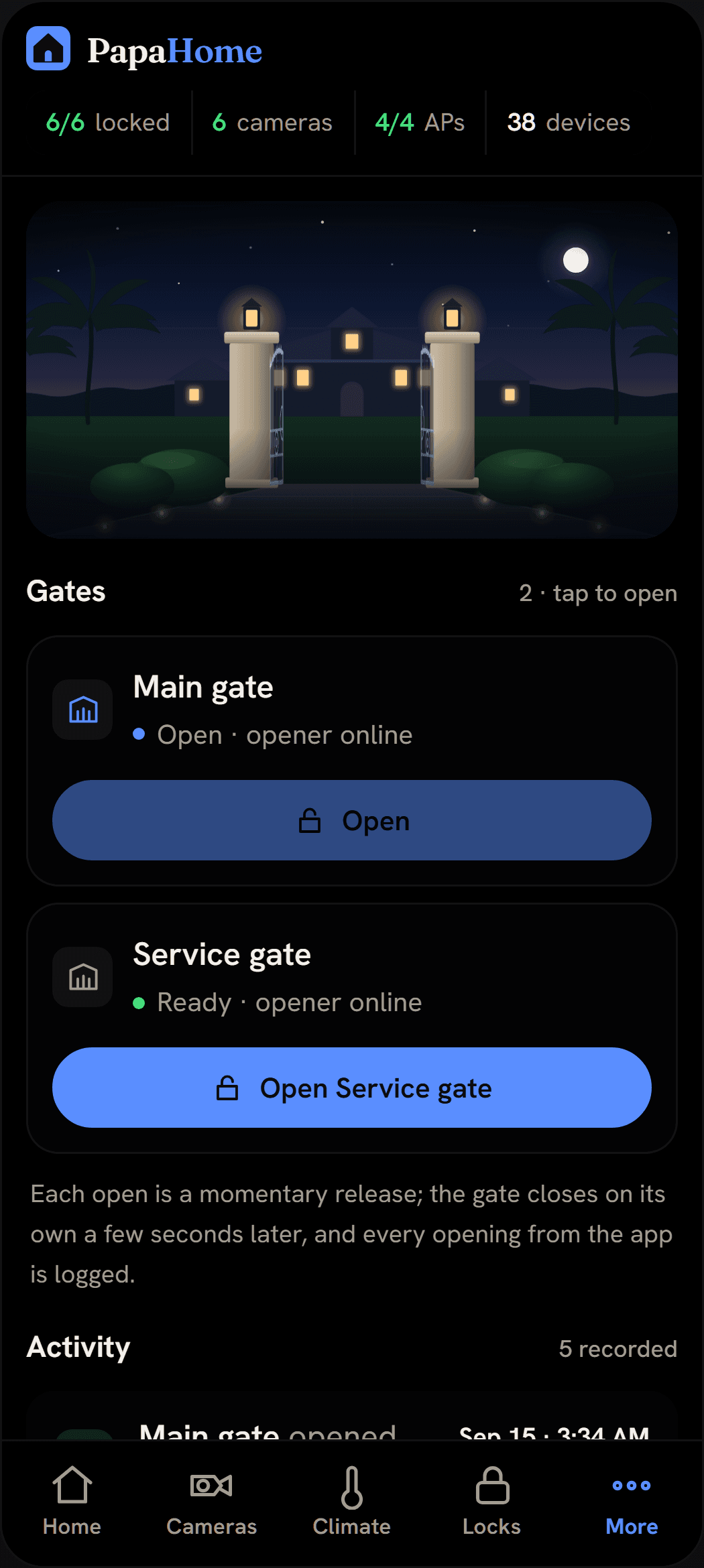
Cameras from both systems land on one wall. The locks and the gates sit beside them with their battery levels and a log of what opened when. The front page answers the question people actually ask at night, which is whether anything is still open, and it answers it in a sentence.
The network underneath
On the same screen as the lights
Wi-Fi access points, devices on the wire that belong to nobody, and every power cut on record. It sits on the home screen because in a house this size the network is what fails, and noticing on the day is the whole difference between a short fix and a lost weekend.
Why a software company
On this build, almost nothing that broke was the smart part.
The cameras stopped recording because the home network was reconfigured underneath them. The lights stopped answering because a vendor's software update quietly reset a hub. An installer hands over a working house on the day. Nearly everything after that is network and systems work, which is the same discipline we bring to a business. That is why this sits next to the automation and security practices instead of in a showroom, and why the network sits on the home screen rather than in a controller nobody opens.
Beyond one house
Different building, same shape of work.
The page above describes one build, so it is told in rooms and gates. The work underneath is not specific to a home. It is the same job wherever a building has grown a separate app for every system it bought, and nobody owns the whole picture.
A building with an app per vendor
Lighting, access, cameras and climate bought from four companies over ten years, each with its own login and its own idea of what a room is called.
Things that fail quietly
A camera that stopped recording in March and got noticed in June. Monitoring that says so on the day it happens, in language a person can act on.
No lock-in, and no kill switch
The documentation and the logins are yours, and the system runs on equipment in your building. There is no account we hold that can switch it off. We stay because the management is worth paying for, not because leaving would break something.
Someone to call afterwards
Standing management once the install is done, including the vendors' own software updates that arrive unannounced and change how a device behaves.
Let's talk
Tell me what your team does by hand, or what you want to build.
Or email nicholas@papacorporation.com directly.